Guided practice
Start from focused drills and continue into structured practice without leaving the shared TrainApps learning flow.
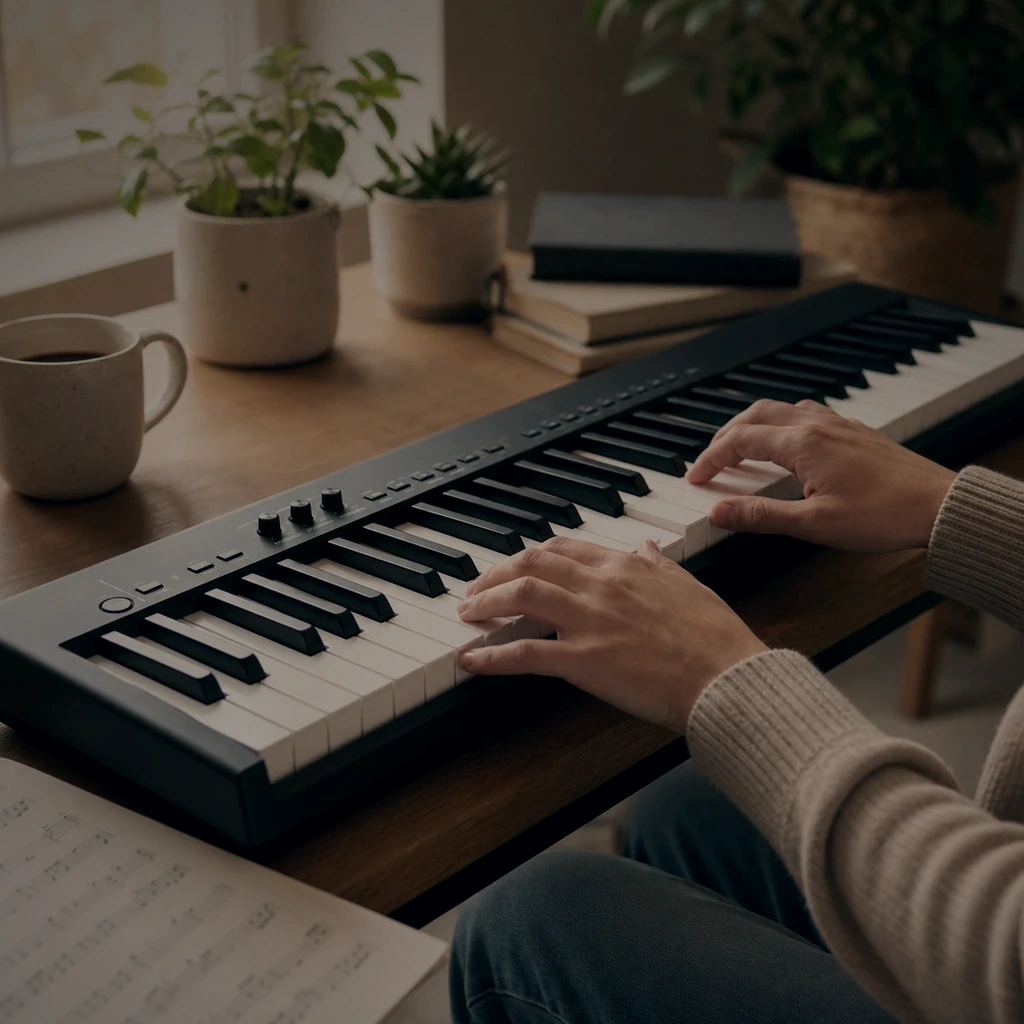
Train note recognition, keyboard geography, and steady practice habits with a focused PianoTrain workflow built for daily use.
Works with computer keys first, then MIDI when the learner is ready.
Product workflow
Start from focused drills and continue into structured practice without leaving the shared TrainApps learning flow.
Exercises, history, statistics, and classroom resources use the same product contract across all TrainApps.
Track attempts and outcomes through the same dashboard pages students and teachers already know.
PianoTrain presents its core practice screens in a visual section tailored to piano learning.
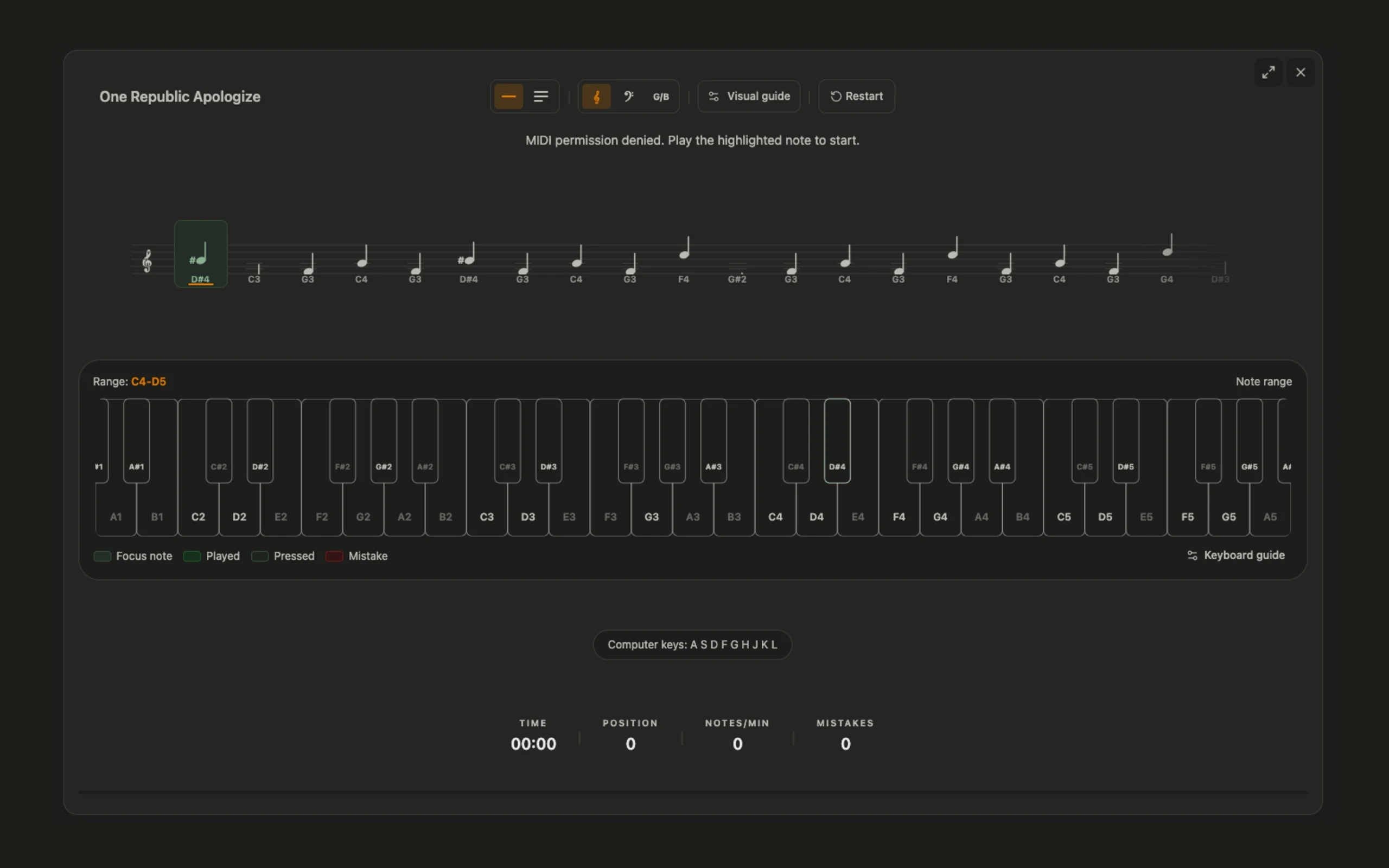
The library keeps pieces, drills, previews, and start actions together in one practice surface.
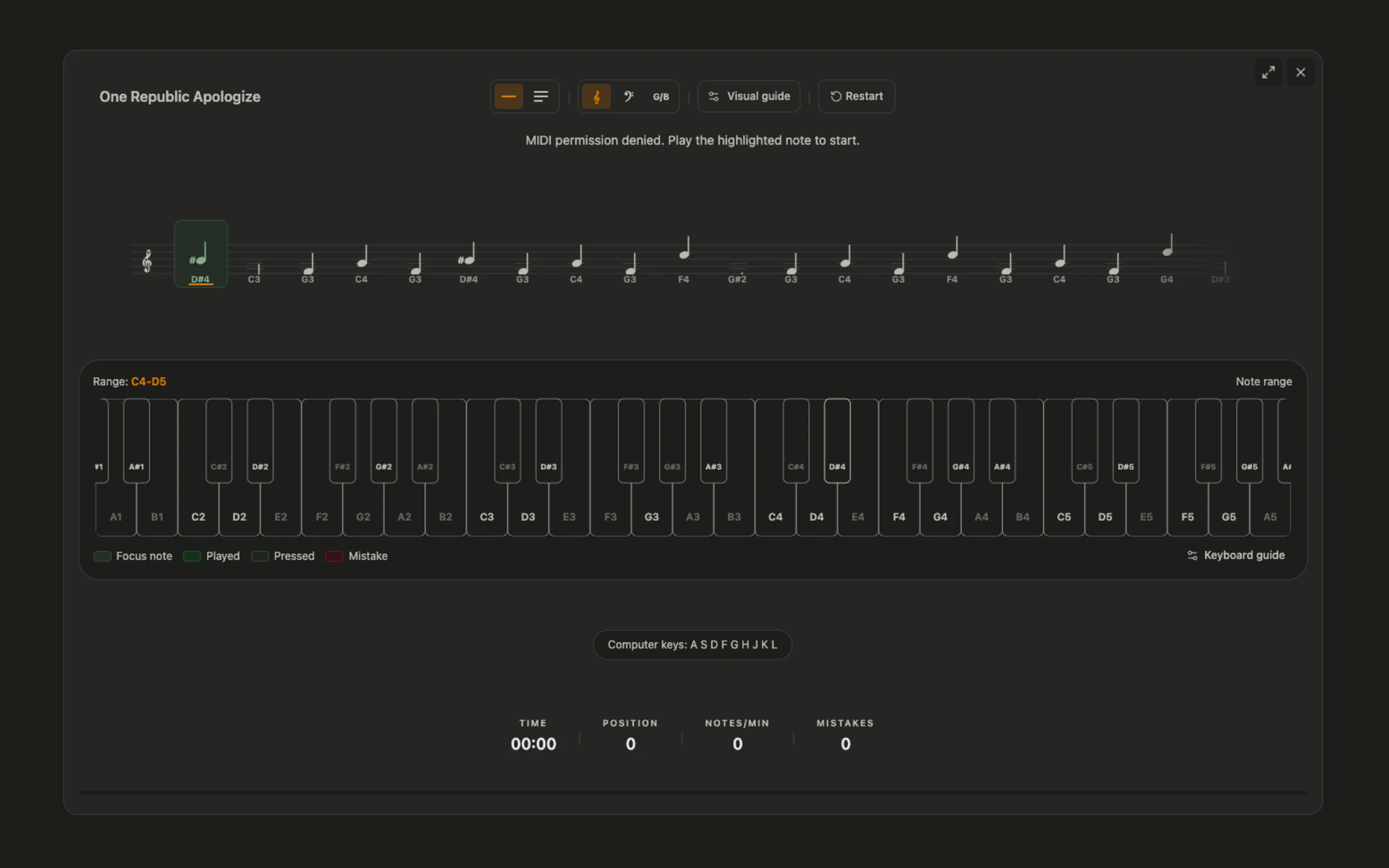
Learners and teachers can use the same TrainApps history pages to inspect recent practice and spot friction.
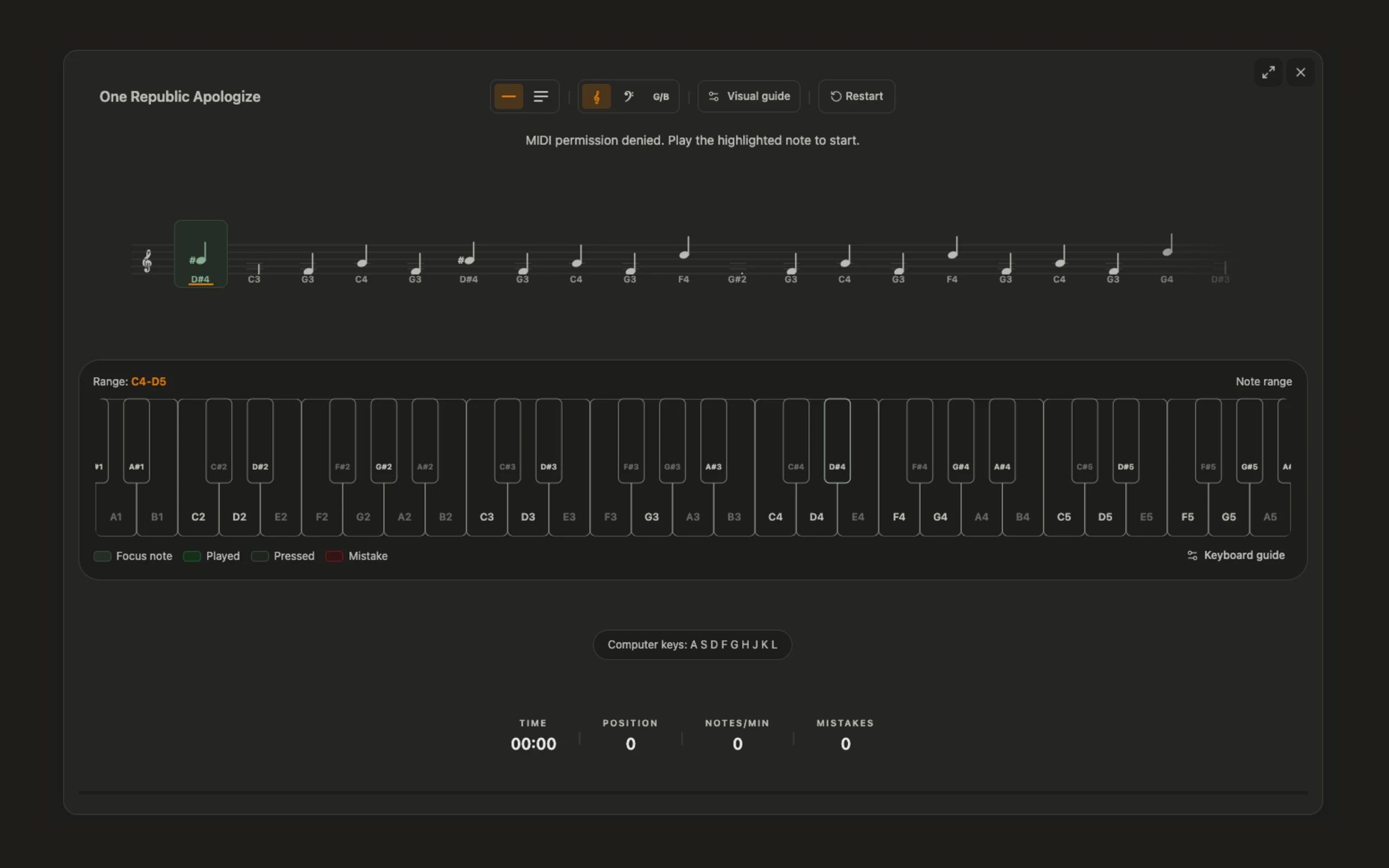
Imported and built-in piano exercises live in the same library pattern used across TrainApps products.
Practice content
piano
Read a short stepwise melody around middle C.
piano
Recognize C, F, and G major chord tones in sequence.
piano
Public-domain score prepared as a sight-reading piece for PianoTrain.
piano
Public-domain score prepared as a sight-reading piece for PianoTrain.
piano
Public-domain score prepared as a sight-reading piece for PianoTrain.
piano
Public-domain score prepared as a sight-reading piece for PianoTrain.
piano
Public-domain score prepared as a sight-reading piece for PianoTrain.
piano
Public-domain score prepared as a sight-reading piece for PianoTrain.
piano
Public-domain score prepared as a sight-reading piece for PianoTrain.
piano
Public-domain score prepared as a sight-reading piece for PianoTrain.
piano
Public-domain score prepared as a sight-reading piece for PianoTrain.
piano
Public-domain score prepared as a sight-reading piece for PianoTrain.
piano
Public-domain score prepared as a sight-reading piece for PianoTrain.
piano
Public-domain score prepared as a sight-reading piece for PianoTrain.
Progress
FAQ
Answers to common questions for learners and teachers evaluating PianoTrain.
PianoTrain helps learners practice sheet music reading, note recognition, and keyboard geography through focused drills and visible progress.
No. Learners can start with computer-key input for basic drills, then use a piano or MIDI keyboard when they are ready for more hands-on practice.
Yes. PianoTrain uses the same TrainApps class, assignment, and progress workflows, so teachers can give guided practice and review student results.
Yes. History and statistics pages show recent attempts, accuracy, practice time, and progress so learners and teachers can see what needs more practice.
We use optional analytics and session recordings to understand how visitors use the site and improve TypiTrain. These services are only enabled with your consent where required.
Learn more in our Privacy Policy.