Choose focused note drills
The library keeps pieces, drills, previews, and start actions together in one practice surface.
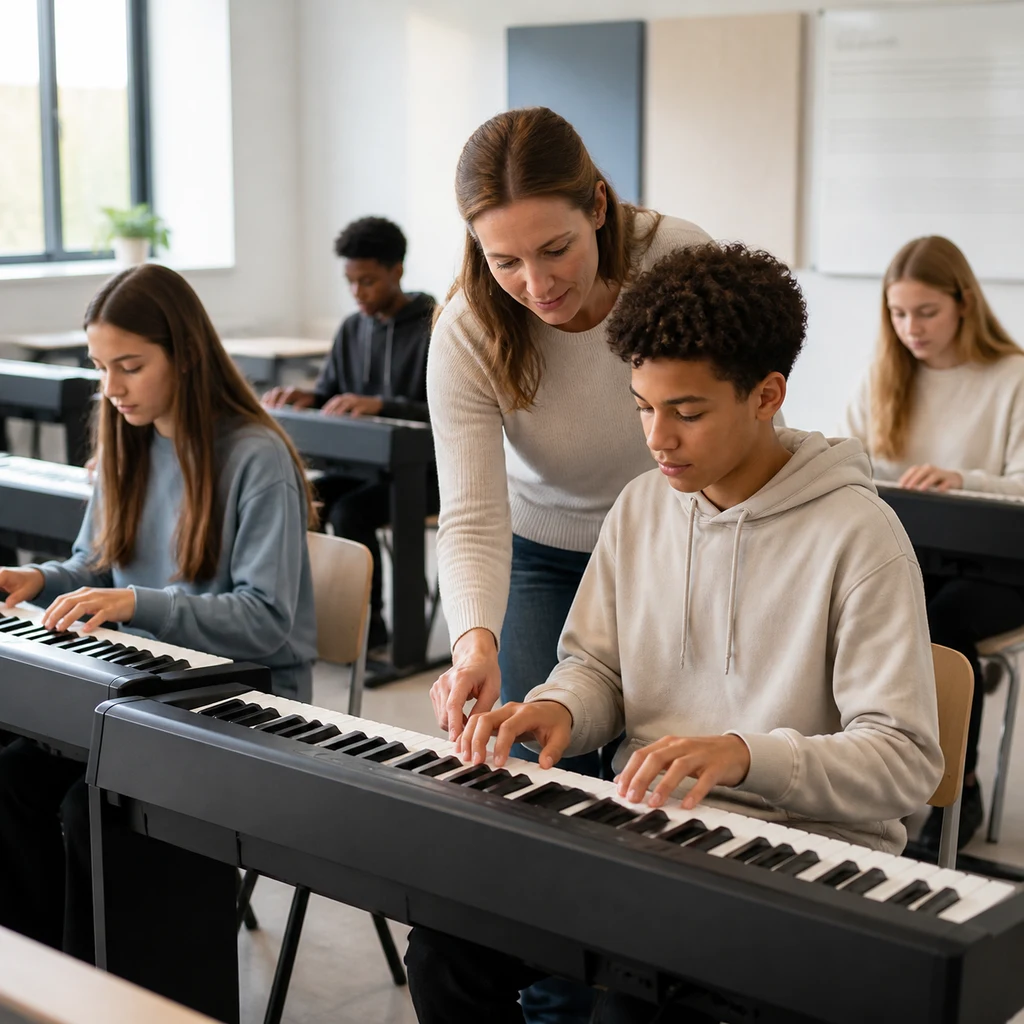
Give students focused note-reading practice while teachers keep the same SteadyGo class, assignment, and progress workflows.
Designed for shared devices, student accounts, and classroom review.
Product workflow
The library keeps pieces, drills, previews, and start actions together in one practice surface.
Learners and teachers can use the same SteadyGo history pages to inspect recent practice and spot friction.
Imported and built-in music exercises live in the same library pattern used across SteadyGo products.
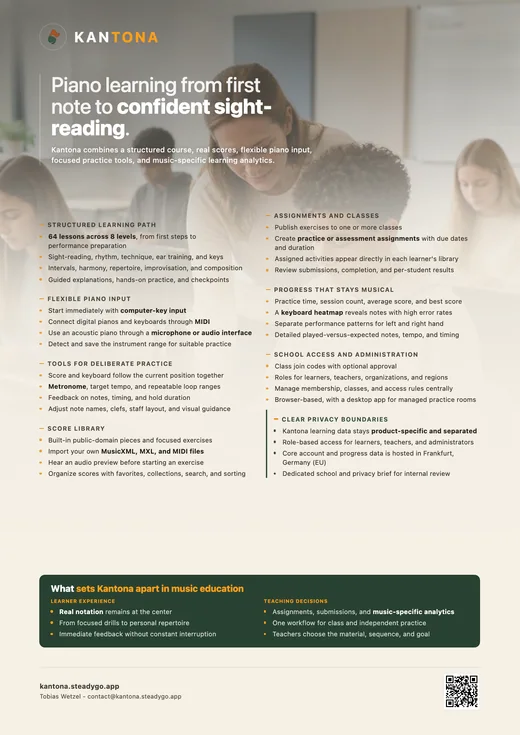
Kantona brings notation, ear training, rhythm, repertoire, and guided practice into one focused learning experience.
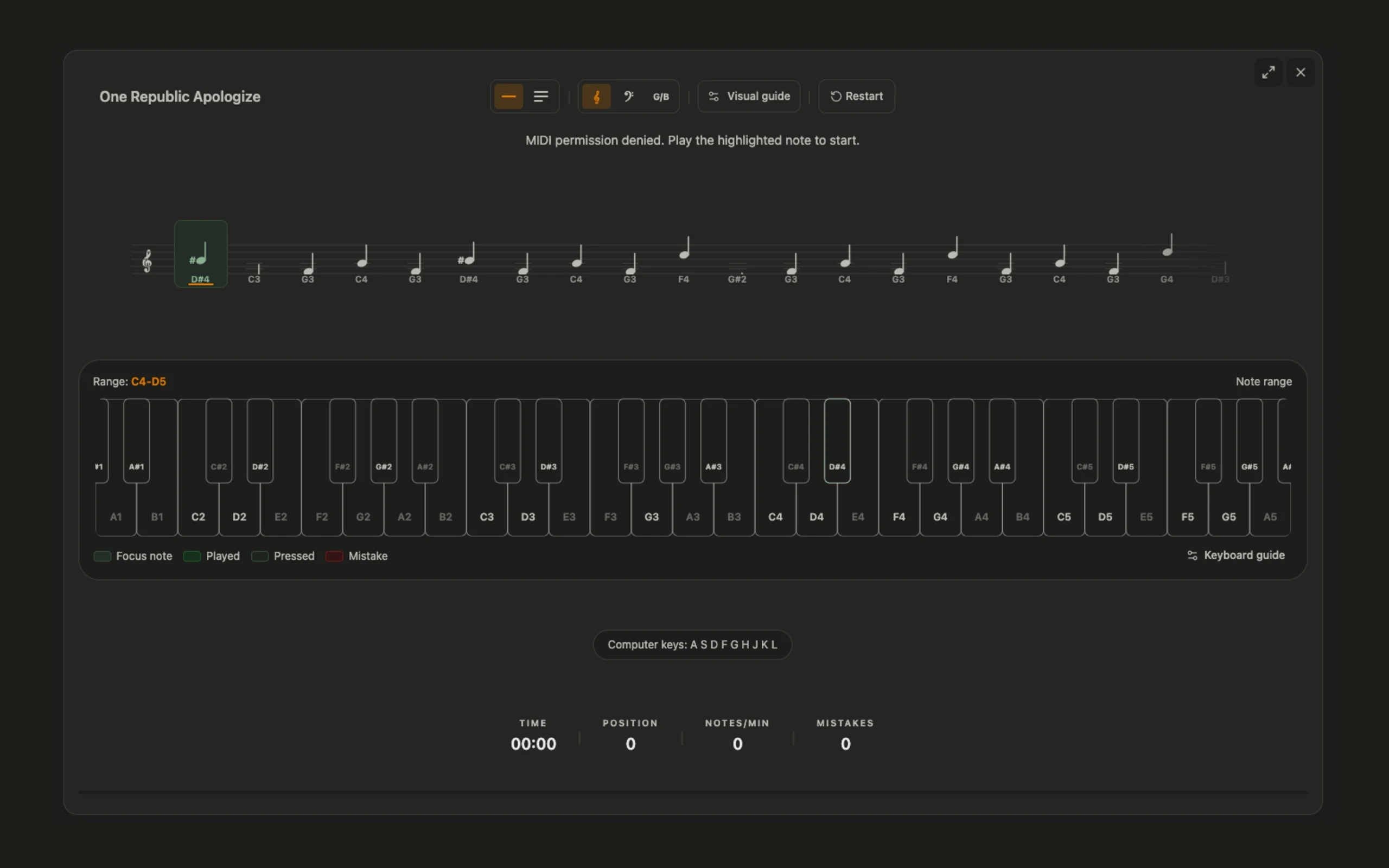
The library keeps pieces, drills, previews, and start actions together in one practice surface.
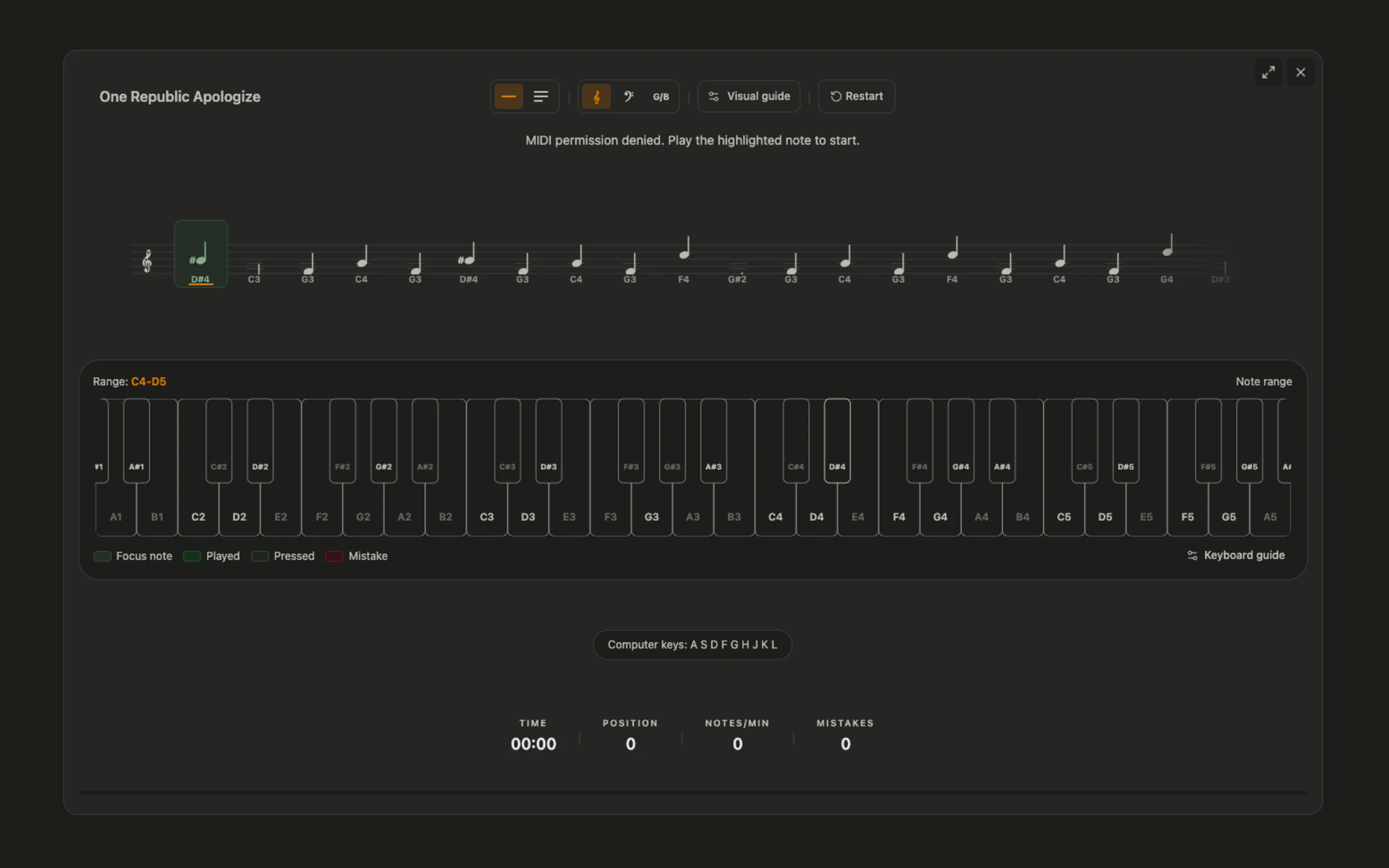
Learners and teachers can use the same SteadyGo history pages to inspect recent practice and spot friction.
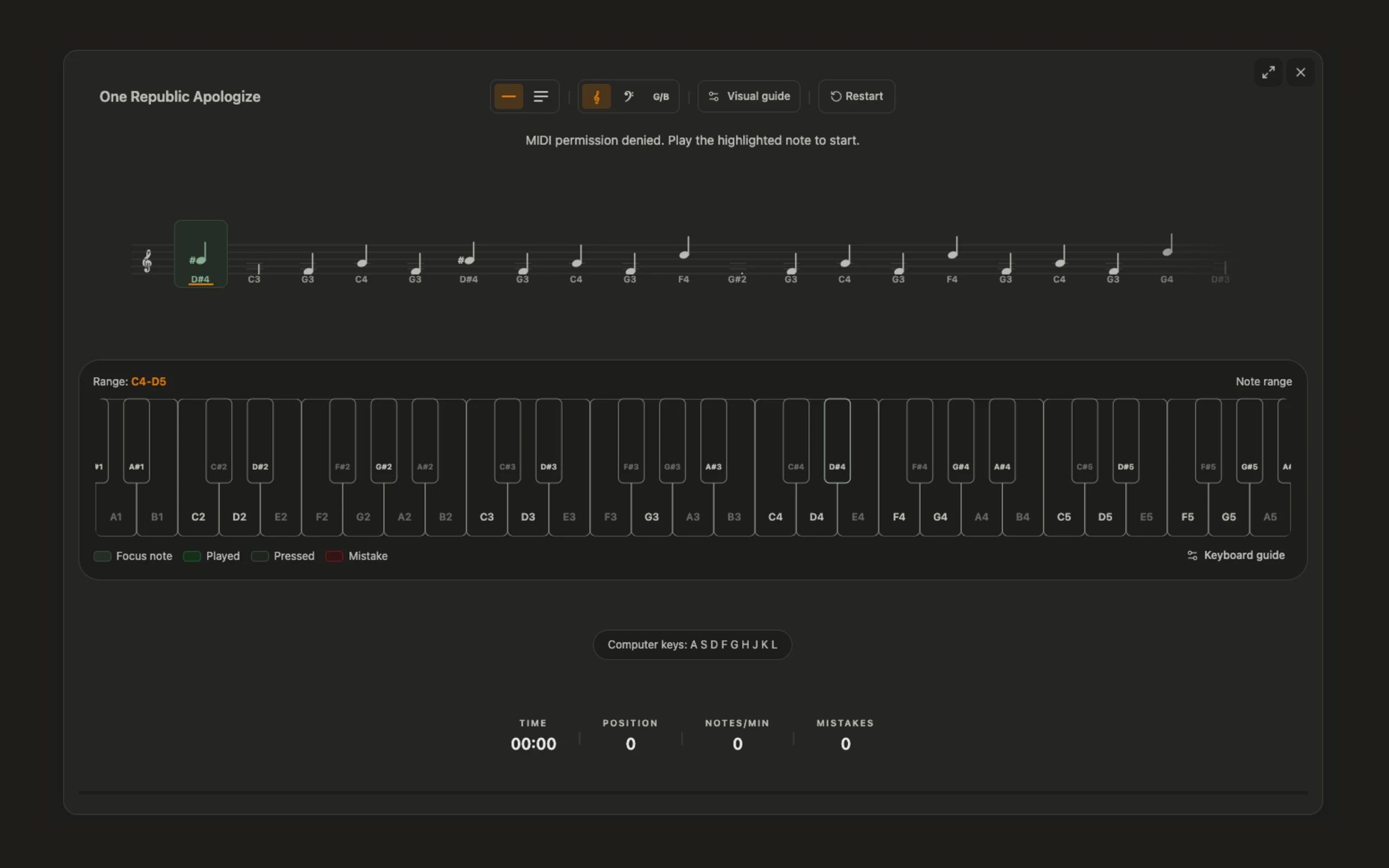
Imported and built-in music exercises live in the same library pattern used across SteadyGo products.
Practice content
Progress review
Learners and teachers can use the same SteadyGo history pages to inspect recent practice and spot friction.
Exercise library
Imported and built-in music exercises live in the same library pattern used across SteadyGo products.
Progress
Implemented classroom workflow
This walkthrough mirrors Kantona’s existing class-exercise, assignment, practice and results flow. The sample values are illustrative; the fields and measurements are already present in the app.
Prepare
Choose an activity from the music catalog and publish it to a class with its notation, mode, target tempo, time signature and key information intact.
Practice
The assignment appears in the learner’s library. Students open the same score and respond with MIDI or computer keys while Kantona follows the current notes.
Review
Submission counts and class results bring back the exercise title, accuracy, score, tempo and time spent so the next lesson can respond to real practice.
Assignment and results preview
Assignment type
Practice
Input
MIDI or computer keys
Target tempo
72 BPM
Due
Friday
Submissions
18 / 24
Average accuracy
86%
Practice time
42 min
Recent tempo
72 BPM
Illustrative classroom values shown in the same categories Kantona stores and displays: submissions, accuracy, practice time, score and tempo.
For schools
Music classrooms contain wide differences in reading experience, keyboard familiarity, coordination, and confidence. A single worksheet can be too easy for one student and impenetrable for another, while individual teacher feedback is difficult to provide at every keyboard simultaneously. Kantona gives the class a consistent reading environment in which notation, input, feedback, and progress use the same visual language.
Teachers can introduce a concept together, assign focused practice, and review what happened without asking students to translate between unrelated tools. The aim is not to automate the teacher’s musical judgment. It is to make routine reading work clearer and more observable so that teacher attention can go where it matters most.
Students receive immediate information during independent practice, while teachers retain control over repertoire, sequence, expectations, and interpretation. The shared history connects a student’s private repetition to the next useful classroom decision, turning digital practice into part of instruction rather than a separate activity completed and forgotten.
This continuity also gives music departments a shared basis for planning. A sequence can begin as a small pilot, gather evidence from real lessons, and become a reusable route through note recognition, rhythm, keyboard coordination, and repertoire. New groups inherit a tested structure without forcing every teacher to teach identically, and changes remain tied to observable student needs rather than to an abstract technology rollout.
A useful assignment begins with a musical reason. Teachers can select a note range, clef, rhythmic idea, or exercise type that prepares the next piece, reinforces a recent lesson, or reveals whether a foundation is secure. Students see a clear task rather than an undifferentiated library.
Because the notation and feedback remain consistent, several short activities can form a progression: recognize the material, coordinate it on the keyboard, maintain it in time, and then encounter it inside a longer phrase. Prepared sequences can be reused and adjusted across classes. One group may need more time with bass-clef landmarks, another may be ready to combine both staves, and an individual learner may benefit from a narrower range before rejoining the common task.
Differentiation stays connected to the same curriculum instead of sending students into unrelated work. The teacher can explain one central reading idea and provide different levels of support while the whole class continues to speak the same musical language.
During individual practice, students need enough feedback to continue but not so much that the software solves the reading task for them. Kantona keeps the current point in the score clear, confirms input, and lets an error remain a useful signal. Students can try again, slow down, or repeat focused material without waiting for the teacher to reach every instrument.
The score stays central, so the strategies developed independently transfer back into ensemble work, lessons, and printed music. Teachers gain a more precise starting point for intervention. Instead of hearing only that an exercise was difficult, they can distinguish hesitation in a note range, confusion between clefs, unstable rhythm, or a task that was simply too long.
A brief conversation can then focus on the relevant reading strategy. Technology handles repeated confirmation; the teacher can listen for sound, posture, phrasing, confidence, and the musical choices that require human attention.
An assignment becomes valuable when its result changes what happens next. Kantona records attempts in a shared history so teachers can see whether a class is ready to move forward, whether a concept needs another explanation, or whether a smaller group needs targeted material. Patterns across the class can inform a short warm-up or demonstration.
Individual results can support a quiet adjustment without repeating an entire sequence for everyone. Students also benefit from continuity. They can return to the same exercise, see that a previously difficult range is becoming more secure, and understand why a new assignment follows.
Progress is described through concrete reading tasks rather than a mysterious overall level. That clarity supports motivation: improvement is not an abstract promise, but a visible change in the notes, rhythms, and passages a student can now read with less hesitation and greater musical control.
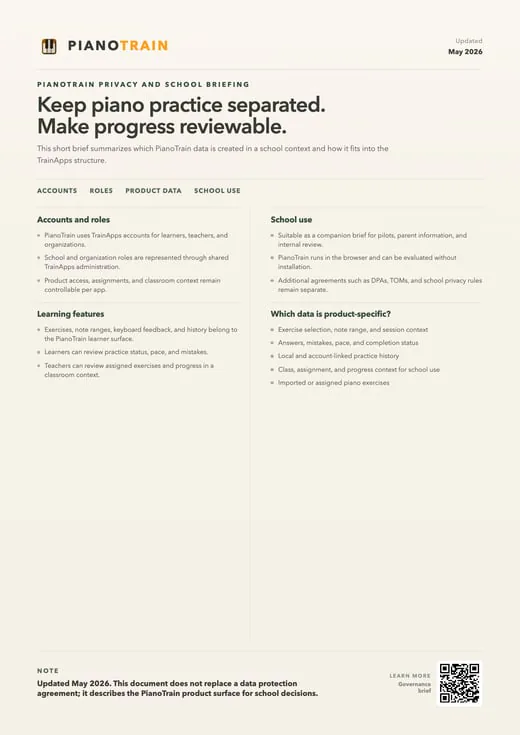
School technology has to fit more than the lesson itself. Kantona uses the shared SteadyGo organization, class, assignment, and account model, so staff do not need to learn a separate administrative system for music practice. A small pilot can begin with one teacher or group, establish the right exercise sequence and device setup, and then expand using the same roles and workflows.
Browser practice supports quick access, while the desktop path is available for managed practice rooms and devices that benefit from a dedicated environment. Clear boundaries help internal review. Schools can examine what practice data is created, how student and teacher roles work, which documents support governance decisions, and how the product relates to the wider platform.
The goal is a rollout that teachers can explain and administrators can evaluate. When access, assignments, and progress are predictable, the technology recedes into the background and the classroom can concentrate on the essential outcome: more students reading notation with enough confidence to participate fully in music making.
Kantona keeps the learner’s own review tools connected to the classroom workflow. The history page lists completed sessions and lets a learner continue or repeat the same exercise. The statistics page summarizes practice time, session count, average score and the strongest result, then adds two music-specific views: a keyboard heatmap that shows where errors concentrate and a hand-performance view that separates left- and right-hand patterns.
Detailed session views can compare played and expected notes, tempo and timing. These are not invented engagement scores; they are readings of the practice results already saved by the app. A teacher can use that evidence alongside listening and observation to decide whether the next step is another attempt, a narrower note range, a slower target tempo or a return to the piece with more attention available for phrasing.
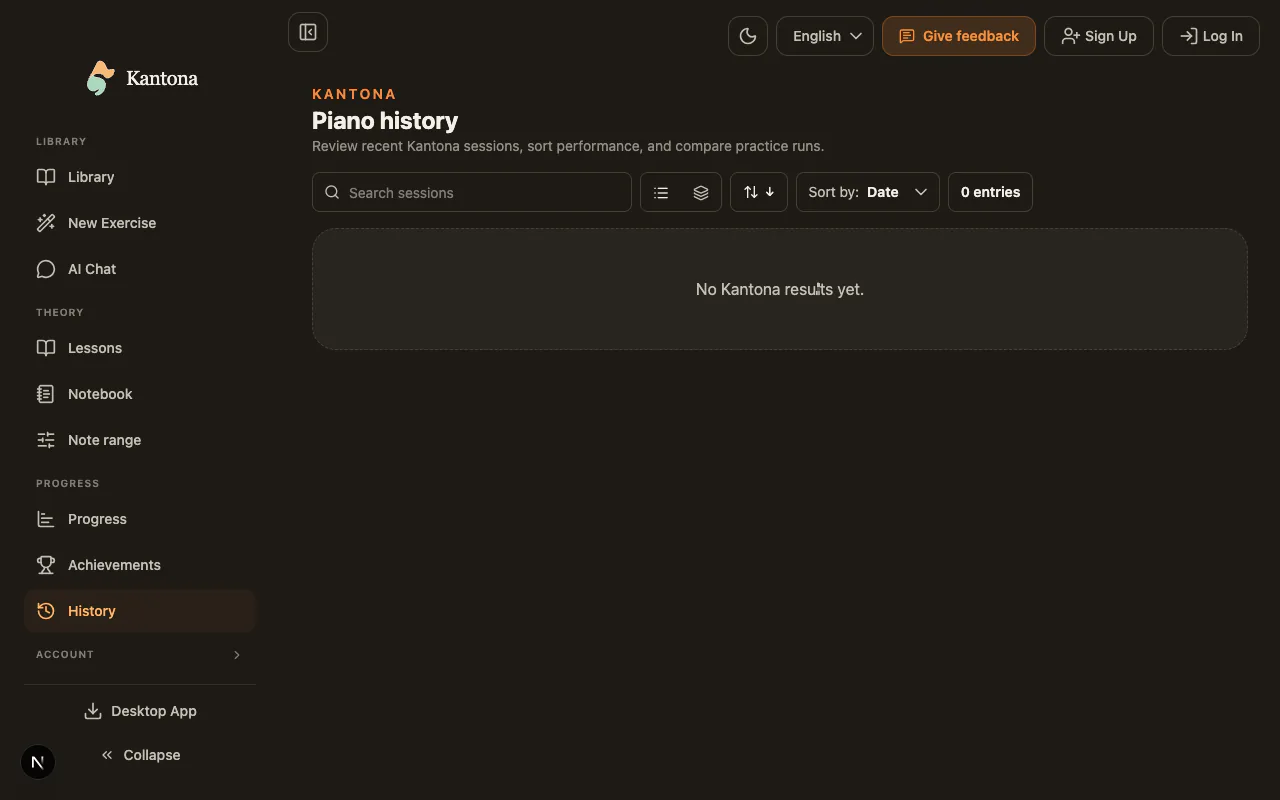
A school rollout also has to work before and after the practice session. Kantona uses SteadyGo organizations, classes and role-based administration. Staff can create classes, use class codes, manage student membership and approval settings, publish class exercises, create practice or assessment assignments, add due dates or durations, and see submission counts.
Region and organization views summarize schools, classes and students without mixing that administration into the musical task. Because assigned activities appear in the learner’s exercise library, students do not need a separate handout or a second practice system to find the work. Schools can begin with one class, verify the device and input setup, agree on the reading sequence, and expand only when the workflow fits their teaching.
The administrative model supports the rollout; musical decisions remain with the teacher.
School pricing
Choose the plan by learner capacity. Starter and School can be activated directly; larger institution rollouts can be planned with us.
For small cohorts and pilot programs.
Capacity
...
student accounts
Annual billing
For schools running regular classroom practice.
Capacity
...
student accounts
Annual billing
Price
Need help choosing a Kantona plan?
Create a free institution account now. You can add billing later from the admin billing page.
FAQ
Answers to common questions for learners and teachers evaluating Kantona.
Kantona helps learners practice sheet music reading, note recognition, and keyboard geography through focused drills and visible progress.
No. Learners can start with computer-key input for basic drills, then use a piano or MIDI keyboard when they are ready for more hands-on practice.
Yes. Kantona uses the same SteadyGo class, assignment, and progress workflows, so teachers can give guided practice and review student results.
Yes. History and statistics pages show recent attempts, accuracy, practice time, and progress so learners and teachers can see what needs more practice.
For schools
Sign up for a free account today and explore all features. No credit card required.
Create institution